iOS
How to Convert an iPhone Voice Memo to Text
Convert an iPhone voice memo to text with Voice Memos, Notes, Live Captions, or Brain Dump when you need a Markdown file.
Read guide↗
Practical guides for turning voice capture into useful notes. Less filler, more tested workflows, clearer comparisons, and export-ready output.
Convert an iPhone voice memo to text with Voice Memos, Notes, Live Captions, or Brain Dump when you need a Markdown file.
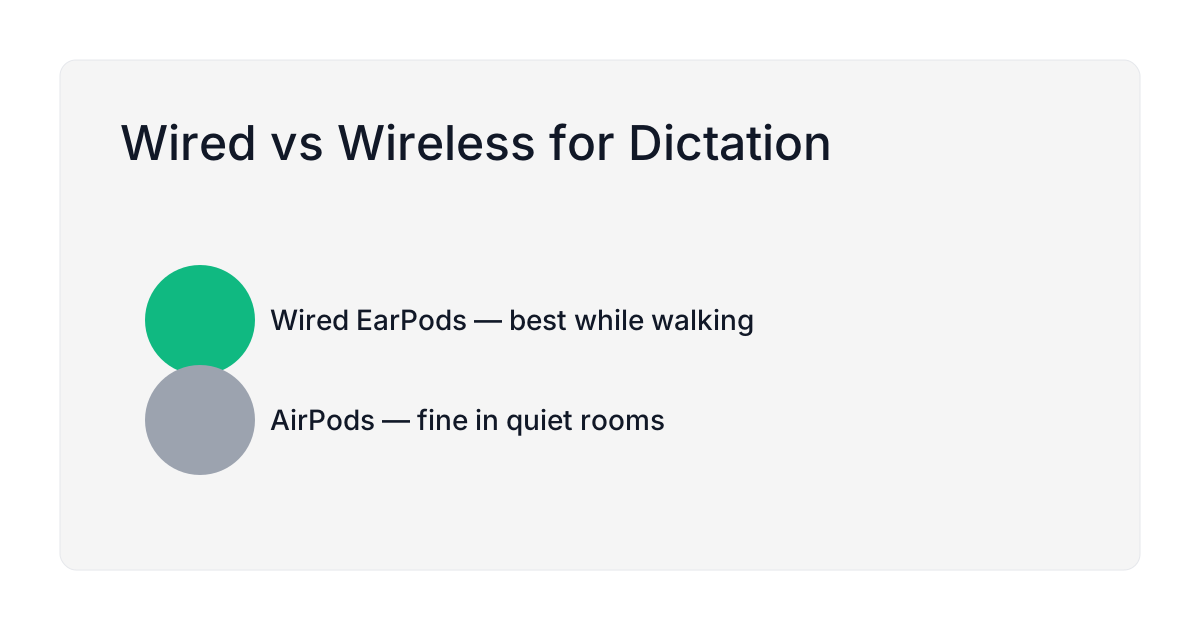
Practical guidance on which mic gives cleaner transcripts when you’re walking or in a noisy room.
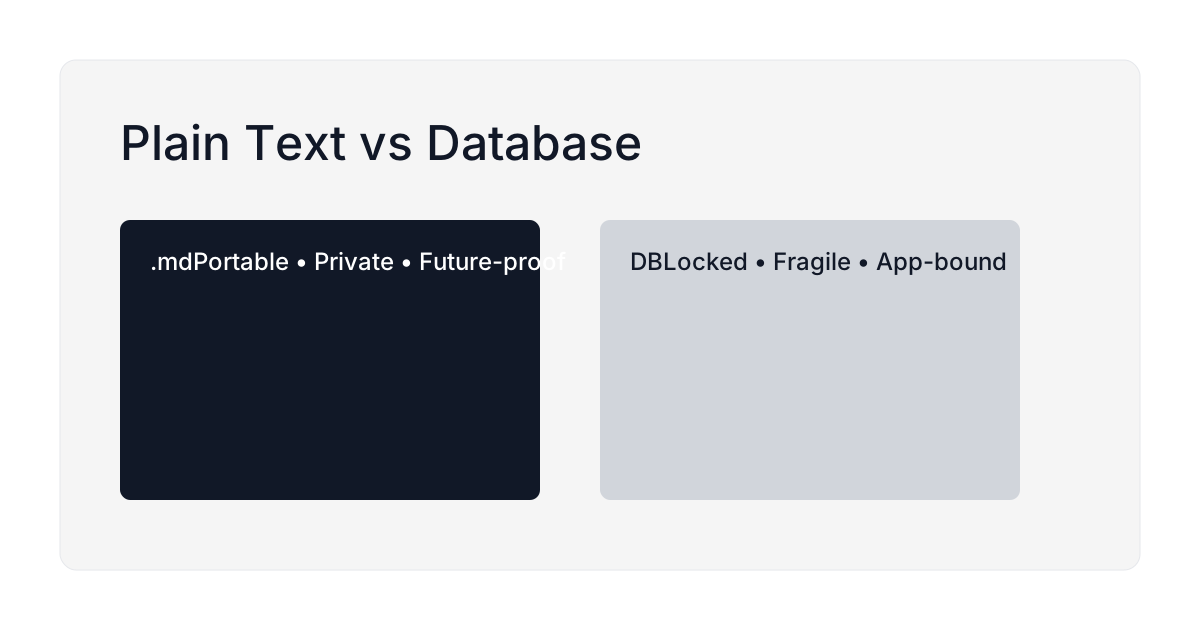
Why Markdown files in iCloud outlast a proprietary notes database, no export lock-in, no shutdown risk, and a format any app can still read in ten years.
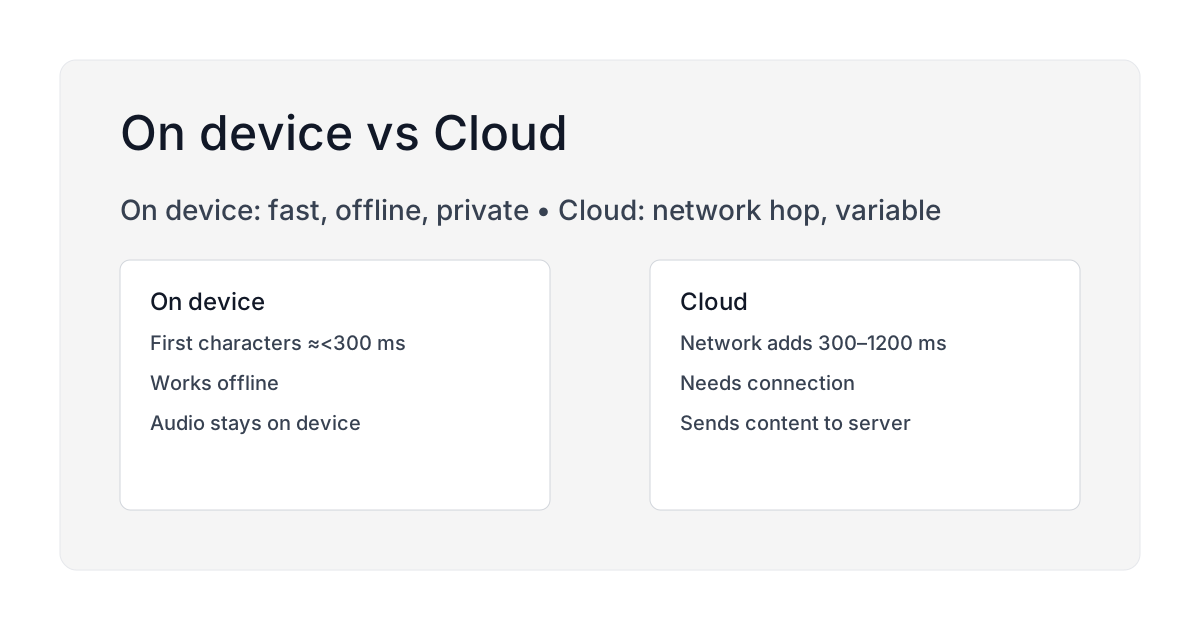
On-device speech returns partial results from the same chip, nothing uploaded. Cloud adds upload, queue, and return, so speed depends on your network.
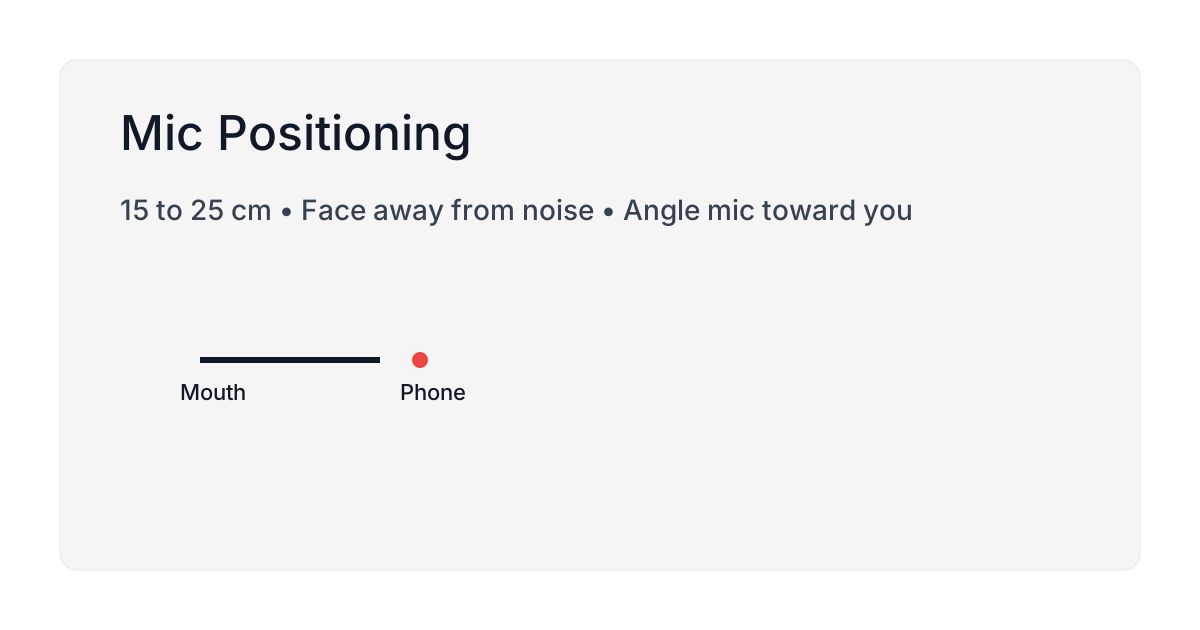
Where to hold the mic, how far from your mouth, and how to cut wind and indoor noise, backed by two studies on how mic placement changes recognition accuracy.
Speak the structure and the transcript already has it. Here is what a dictated note actually looks like as a file: the name, the body, and the frontmatter that is not there.
12 punctuation commands that work in iOS 18 dictation, tested on iPhone 13 and 15 Pro, plus a 30-second practice drill and the fixes for the common mistakes.
Word error rate for the seven speech models Brain Dump downloads, each attributed to whoever measured it, on which corpus, at which quantization. Three are UNKNOWN and stay UNKNOWN.
Short, repeatable scripts you can speak. Capture a day's story in 60 seconds with titles, bullets, and emotion tags.
A 60-second script to speak into your phone at 2am, name the worry, set it aside for morning, and get back to sleep instead of scrolling or replaying it.
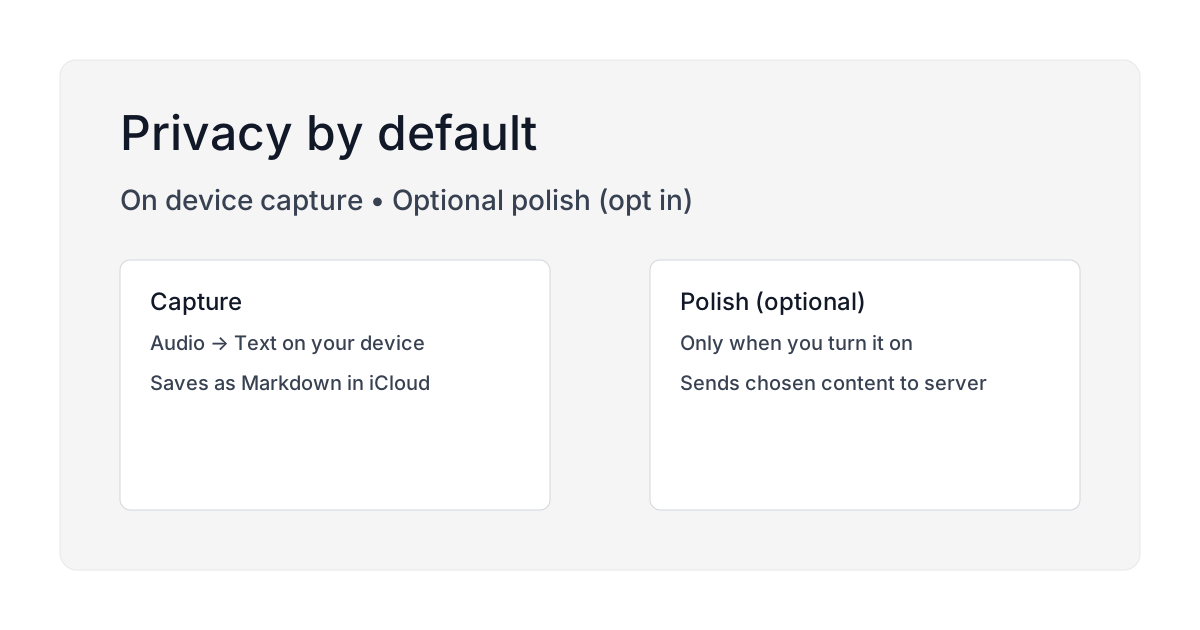
Clear answers about privacy: on device transcription by default; optional AI polish only if you enable it.
A practical voice-first pet journal workflow: capture behavior, meds, and funny moments during walks, then keep everything searchable as Markdown in iCloud.
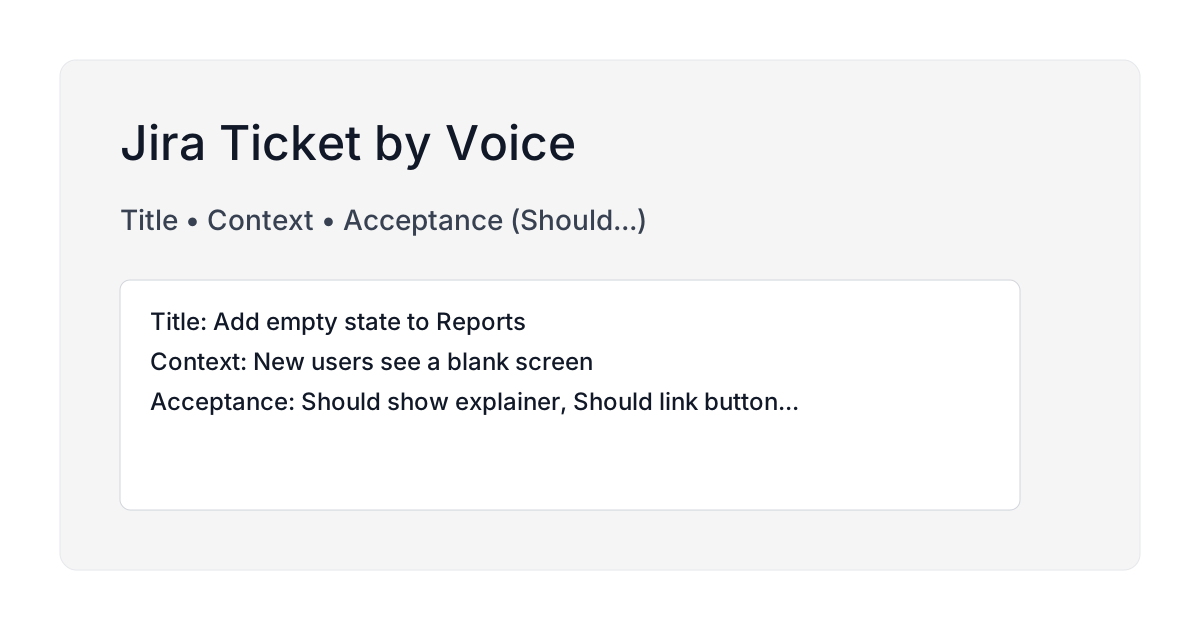
Write a clear Jira ticket by speaking it on a walk, a repeatable pattern for summary, steps to reproduce, and expected result with no laptop required.
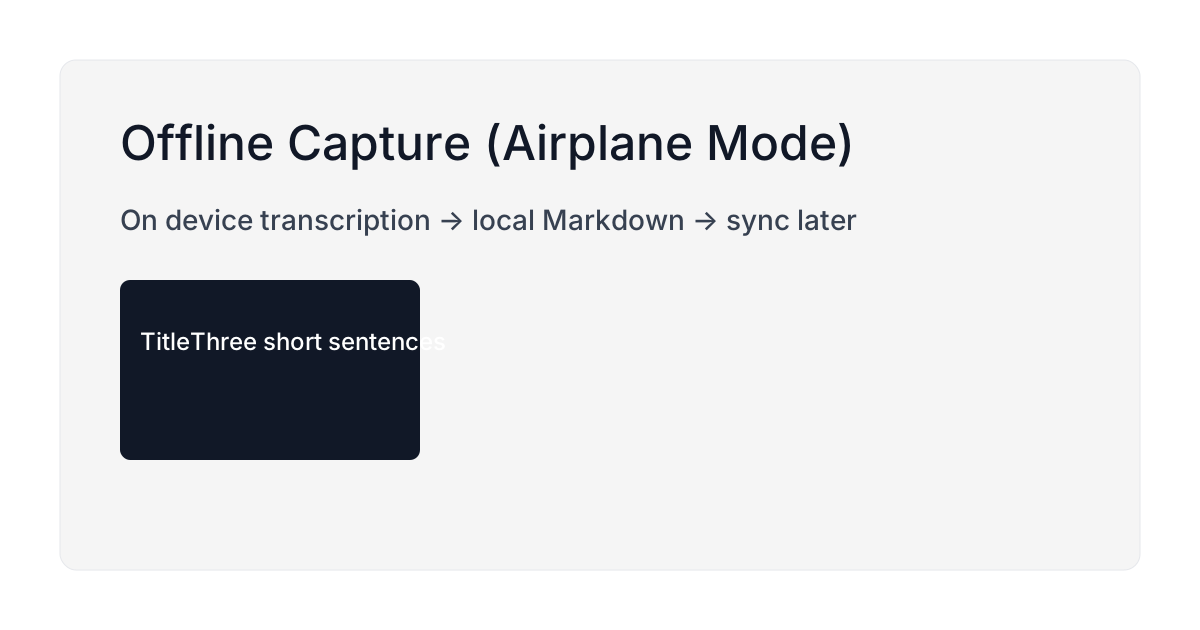
On-device speech means Airplane Mode, the subway and a dead zone all still work. What runs locally, what needs a connection, and how to check before you rely on it.
A voice-first dream journal for iPhone, record in 30 seconds with your eyes half closed, keep it private, and make dreams searchable later.
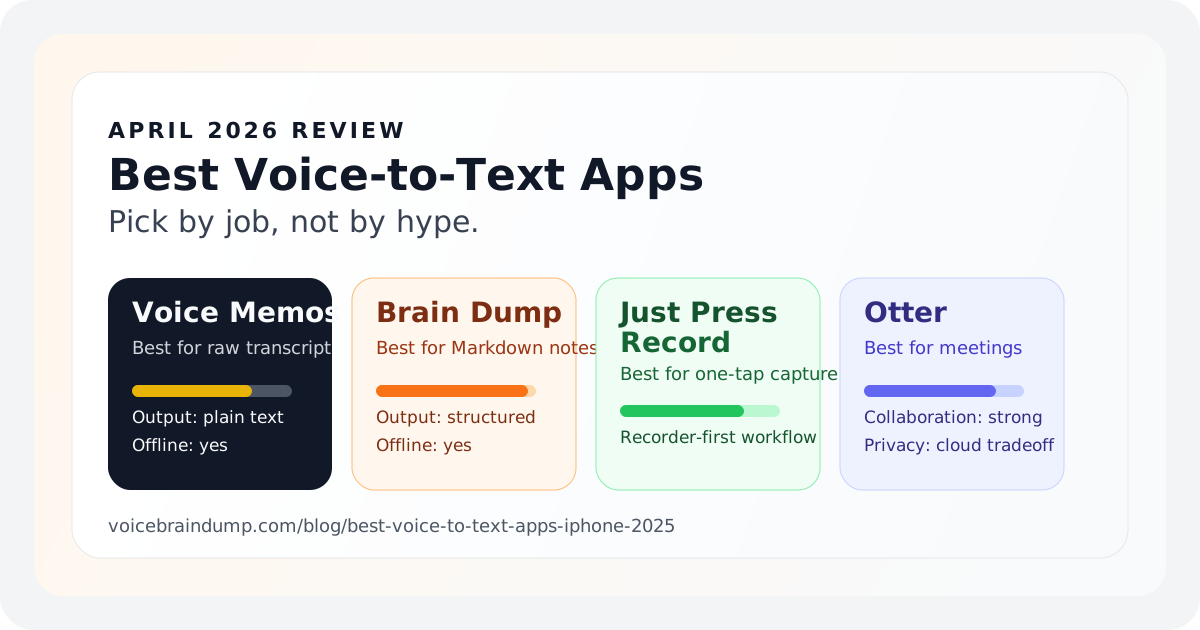
Voice Memos, Notes, Brain Dump, Just Press Record, and Otter compared by job: quick capture, meetings, Markdown export, or private on-device notes.
A voice-first brain dump for ADHD minds, capture fast thoughts in 60–120 seconds, keep structure in Markdown, and review without overwhelm.
Quick, human prompts that kill the blank page and get you speaking. Clear examples and a one minute talk track.
A fast voice gratitude journal that actually sticks, three specific gratitudes, one “why,” and one tiny action. Searchable Markdown, private by default.
Stop losing the pinch of this and splash of that. Speak the change while your hands are messy, then keep every tweak searchable as plain Markdown you own.
A simple voice-first baby journal workflow for new parents: speak the moment while your hands are full, get searchable Markdown in iCloud, and review later.
Ready to speak templates for meetings, ideas and daily journaling. Each one keeps capture under a minute and produces Markdown that is readable weeks later.
Seven short lines. Only two carry concrete meaning. Can you find them before you peek at the answer?
A note you spoke has not appeared where you expected. The checks that find it, in order: sync delay, filename conflict, moved folder, and iCloud conflict copies.
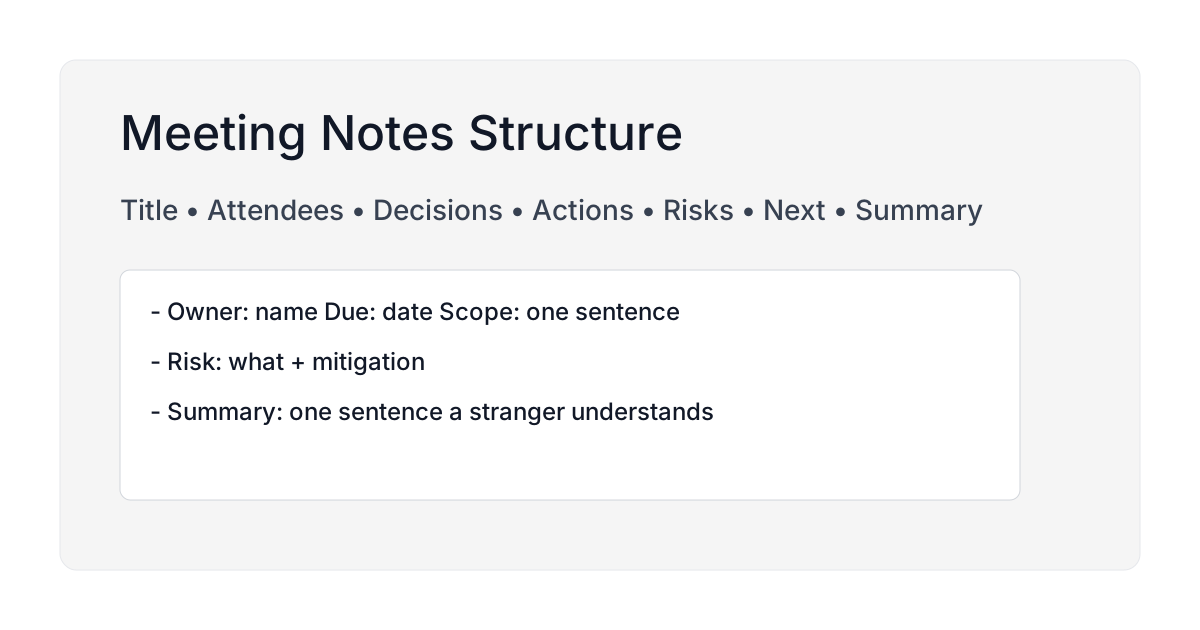
A compact structure you can speak in one pass: decisions, risks and next actions. It turns into clean Markdown that everyone can scan after the meeting ends.
Subscribe via RSS.